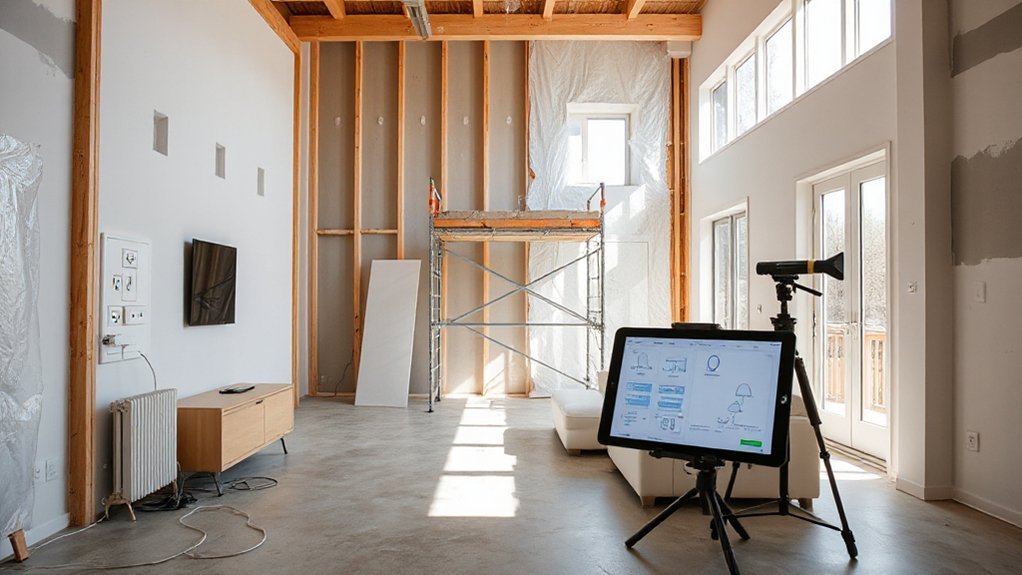
Like a well-tuned orchestra, your renovation can harmonize wiring, sensors, and controls from the start. You plan smart hubs, pre-wired data drops, and zoning for lights and climate, so upgrades later stay painless. You’ll want durable power panels, USB/charging stations, and secure network paths that scale with devices. The result should feel seamless, but the details that keep the system reliable when you add devices are where the real value lies—and they’re worth your focus now.
Key Takeaways
- Plan a scalable wiring framework with panel capacity, subpanel zoning, and future low-voltage runs for centralized device access.
- Zone lighting and power with dimmable layers, dedicated circuits, and labeled conduits for easy upgrades and maintenance.
- Integrate HVAC and climate control via a single platform, independent zoning, and adaptive fan/damper options.
- Hardwire a secure security system with discreet sensors, cameras, locks, and mobile alerts, ensuring reliable power and networking.
- Build expandability into power design with modular panels, USB-C/high-amp outlets, energy monitoring, and future storage/connectors.
Assess Your Wiring for a Smart-Ready Renovation
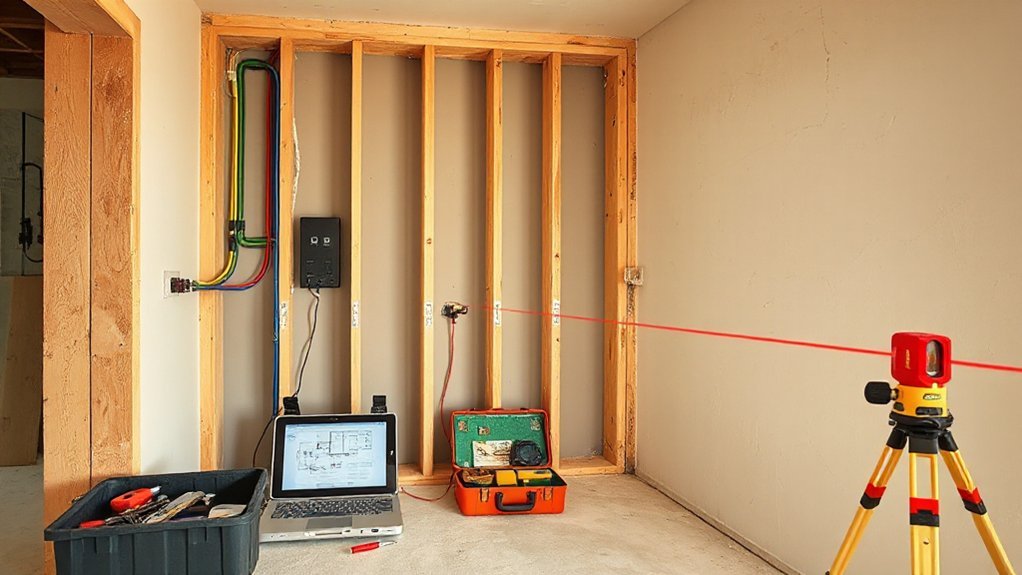
Evaluating your wiring for a smart-ready renovation means verifying the current electrical framework can safely support smart devices. You’ll assess panel capacity, conduit runs, and subpanel zoning to anticipate future load. Check service amperage, main disconnects, and available breaker spaces for additional circuits, avoiding overloads that could trip fights with gadgets later.
Inspect wire gauges, neutrals, and grounds for code compliance, and note where unused conduits can house low-voltage runs. Plan for centralized and panel-accessible devices to streamline maintenance.
Consider wireless integration needs, ensuring compatible pathways for hubs, bridges, and sensors without creating congestion. Factor in possible upgrades to arc-fault or ground-fault protection where required.
Think ahead about voice control compatibility, positioning outlets and switches to optimize device placement and reliability.
Lighting and Power Layout: Zones, Circuits, and Mood
Smart lighting and power layout starts with clear zones and dedicated circuits that match intended use and mood. You’ll map ambient lighting needs by room function, ensuring dimmable layers and focal accents align with activity, from task work to relaxation.
Implement power zoning by distributing outlets and circuits to separate groups: living areas, kitchen islands, and media walls. Use a centralized panel plan that preserves future expansion and simplifies fault-finding.
Plan switchgear and outlets for ergonomic access, outlet heights, and cable management, avoiding shared loads that cause nuisance trips. Integrate smart controls for scenes that coordinate lighting with AV gear and motorized shades.
Label cables, reserve empty conduit, and leave slack for upgradability. Prioritize safety, code compliance, and practical testing during rough-in.
Smart Climate Control: Thermostats, Zoning, and HVAC Integration
To achieve precise climate control, start with a clear thermostat strategy, targeted zoning, and seamless HVAC integration. You’ll optimize comfort and energy use by placing thermostats near the coolest and warmest living zones, away from heat sources and drafts.
Smart thermostat placement matters: position sensors at typical occupant heights, not in direct sunlight or near appliances that skew readings.
Define Zoning strategies that reflect daily routines: separate zones for living areas, bedrooms, and utility spaces, with independent setpoints and schedules.
Confirm HVAC integration supports variable fan speeds and parallel flows, enabling simultaneous cooling and heating without short cycling.
Use a single control platform for all dampers and thermostats, and verify compatibility with your HVAC equipment.
Regularly test responsiveness and update routines after renovations.
Security and Access From Day One: Sensors, Cameras, and Locks
From day one, security and access should be wired into your renovation plan with practical, actionable steps: start by mapping entry points and placing sensors, cameras, and locks where they’re least visible to intruders but easy to monitor from your main hub.
Choose a central access control system that supports door, window, and garage entries, with role-based permissions for residents and guests.
Install security sensors on doors, motion zones, and glass areas, calibrated to minimize false alarms.
Position cameras at entry angles to cover approach paths without creating blind spots, and guarantee continuous power and network reliability.
Integrate alerts with mobile devices, logs, and a robust firmware update routine for sustained protection.
Test routines quarterly to maintain effective access control and surveillance.
Future-Proof Power and Energy Management: Outlets, Backup, and Expandability
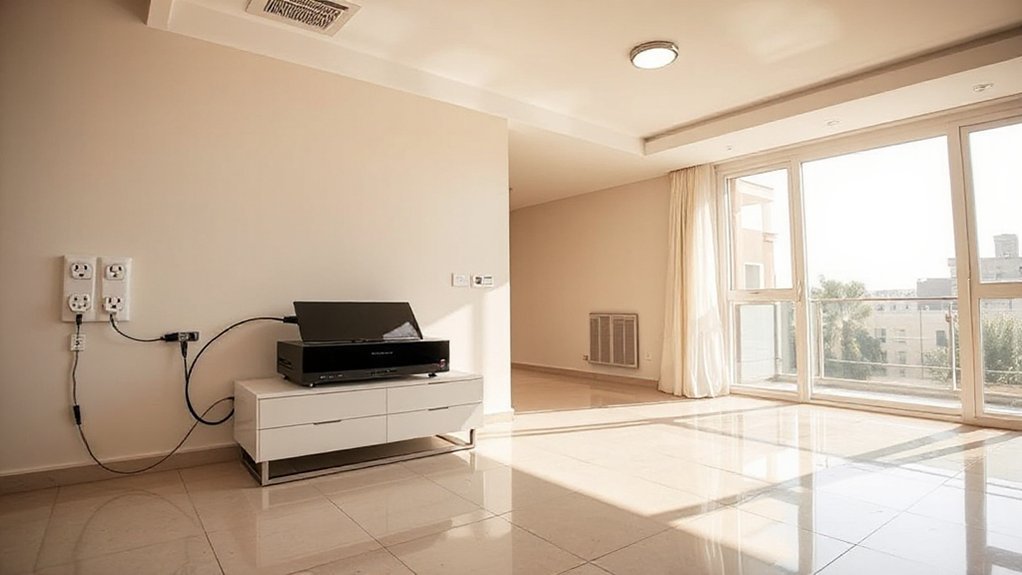
A solid power plan starts with a scalable outlet strategy that anticipates future loads and evolving devices. You’ll wire a mix of standard, USB-C, and high-amp outlets, plus outlets with built‑in wireless charging to reduce clutter.
Plan for energy monitoring at key circuits to track usage and prevent overloads, and reserve a backup supply for essential loads during outages.
Include connectors for future storage and computing needs, like power-efficient racks and surge protection in main panels.
Design for expandability with modular panels, smart breakers, and a centralized power hub that integrates with home automation.
- Allocate configurable outlets and wireless charging pads in living, work, and charging zones
- Install energy monitoring on major loads and a UPS-ready backbone
- Use modular, scalable panels and future-proofed cabling for easy expansion
Frequently Asked Questions
How to Budget for a Full Smart Home Retrofit Renovation?
To budget for a full smart home retrofit, start with a clear scope and a phased plan.
Estimate core costs for smart lighting and voice control hardware, hubs, and installation, then add contingency.
Allocate 40–50% for devices, 20–30% for labor, and 10–20% for integration and future-proofing.
Prioritize essential rooms, compare vendors, and batch wiring and networking.
Leave room for ongoing support, firmware updates, and expansion as you upgrade.
Track spend weekly to stay on target.
Which Wireless Standards Ensure Future-Proof Compatibility?
Wireless protocols and Compatibility standards that future-proof your setup include IEEE 802.11ax/ac/at for Wi‑Fi, Matter for device interoperability, Zigbee and Z-Wave as proven mesh options, Thread as low-power IP, and Bluetooth LE for peripherals.
You’ll want broad vendor support, software updates, and secure boot.
Choose devices that support multiple protocols, with firmware that’s easy to update. This keeps your ecosystem stable, scalable, and ready for new gadgets without overhauling your network.
Can Existing Wires Support High-Power Smart Devices Safely?
Yes, your existing wires can handle high-power devices only if you check wire gauge and circuit capacity first.
If the wire gauge isn’t rated for the load, you’ll risk overheating. Make certain each circuit’s amperage matches the device’s requirements, avoid overloading existing breakers, and consider dedicated circuits for high-power smart gear.
Measure wire gauge, confirm circuit capacity, and upgrade wiring or breakers as needed to maintain safe, reliable operation.
What Privacy Measures Should Be Built Into Smart Systems?
You should build strong privacy measures into every smart system, focusing on access controls, data minimization, and regular updates.
You’ll enable privacy protection by default, limit data collection to essential functions, and audit device permissions periodically.
Guarantee data encryption in transit and at rest, with robust key management.
Use local processing when possible, and disable unnecessary cloud connections.
Document privacy settings clearly for users, and provide easy opt-out options to protect personal information.
How to Plan Ease of Upgrades for Future Tech Trends?
Planning upgrades for future tech trends starts with modular wiring and expandable hubs you can swap without rewiring. Like a toolkit you grow with, you’ll futureproof as devices evolve.
Prioritize standardized interfaces, accessible cable paths, and removable panels. Include Voice control and energy monitoring in a scalable backbone, with future-proof sockets and ample clearance for larger modules.
Build in remote diagnostics, firmware notes, and predictable update cycles so upgrades stay painless rather than disruptive.
Conclusion
Plan for smart-ready wiring, plan for zones, plan for future upgrades. You’ll install centralized hubs, wireless sensors, and automation controllers now, so lighting, climate, and security feel seamless later. Pre-wire high-speed internet, smart outlets, and USB stations in key spots. Build HVAC and lighting zoning with programmable controls, and expand your power panel as needed. Prioritize scalable energy management, durable security, and flexible infrastructure. Done right, your renovation becomes a turnkey, future-proof smart home that adapts to you.
About the Author